How to Configure Guarded Words and Product Context
Tell StringLane what not to translate and how your product sounds — so AI translations match your brand.
Guarded words and product context are configured per project in Project Settings. They affect how AI translation behaves — and guarded words also trigger a validation badge if a translation accidentally overwrites a protected term.
Open Project Settings
Press ⌘, or click the gear icon in the toolbar. Navigate to the AI tab.
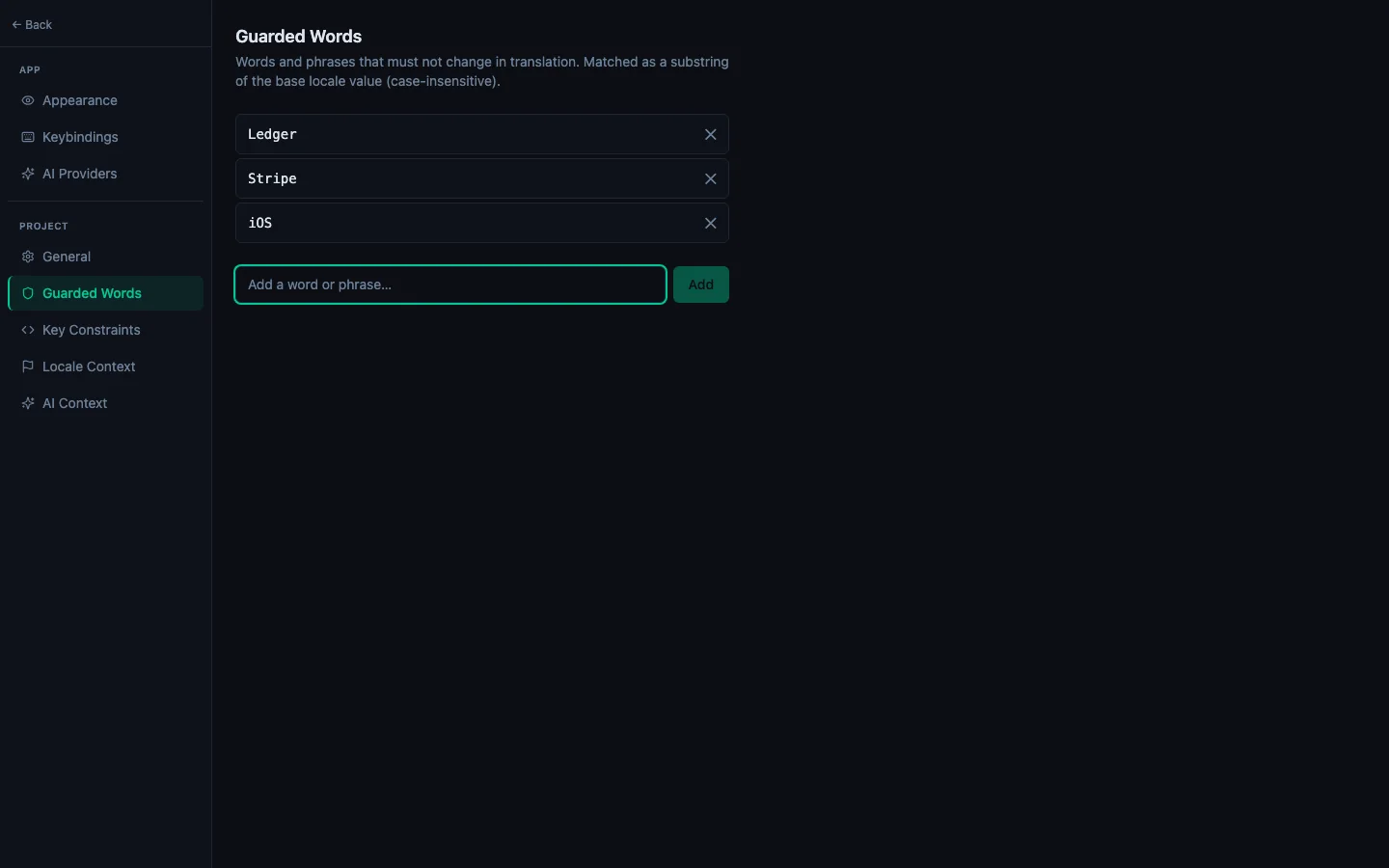
Guarded words
Guarded words are terms that must never be translated — your app name, brand names, technical terms, or any string that must appear verbatim in every language.
To add a guarded word:
- Click + Add in the Guarded Words section.
- Type the word or phrase (e.g. "StringLane", "ARB", "App Store").
- Press Enter or click Save.
You can add as many as you need. Each guarded word is stored in your project settings and shared across all locales.
How it works:
- The AI is instructed to never translate these terms, placing the instruction as a hard constraint in every prompt.
- If a translator accidentally changes a guarded word, a Guarded badge (yellow) appears on that cell.
- Clicking ✨ on a guarded-word cell and re-translating will restore the original term.
Product context
Product context is a short description of your app that helps the AI produce natural-sounding translations. Include:
- What the app does (1–2 sentences)
- Who uses it (e.g. "indie developers", "non-technical small business owners")
- Tone and style notes (e.g. "friendly and direct", "formal and professional")
Example:
A desktop localization editor for indie Flutter and iOS developers. Tone: technical but approachable. Users are familiar with software development concepts.
This text is prepended to every AI translation prompt. The more specific it is, the better the results.
Locale-specific context
In the same AI settings, you can add per-locale cultural notes. For example:
- pt-BR: "Use informal 'você' form. Prefer Brazilian Portuguese idioms over European Portuguese."
- ja: "Use polite form (です/ます). Avoid katakana loanwords where a native term exists."
These notes are passed to the AI only when translating for that specific locale. See Configure Locale Context for Better AI Output for details.