How to Use the Format Editor
Format-specific editing helpers for iOS .strings, Android XML, and i18next JSON projects in StringLane.
StringLane supports four file formats and adjusts its editing behavior for each one. The format is detected automatically from your project files — no configuration required.
Supported formats
| Format | File type | Used in |
|---|---|---|
| Flutter ARB | app_*.arb (JSON) | Flutter, Dart |
| iOS Strings | Localizable.strings | iOS, macOS (UIKit/AppKit) |
| Android XML | res/values*/strings.xml | Android |
| i18next JSON | *.json in locale folders | React, Node.js, web apps |
Flutter ARB
ARB (Application Resource Bundle) is a JSON format with a specific structure. StringLane:
- Reads and writes the
@keymetadata objects (@description,x-max-length,x-guarded) without touching them - Preserves key order exactly as it appears in the source file
- Handles ICU MessageFormat strings in values (see Working with ICU Plurals)
- Shows
{placeholder}names as Param badges when they're mismatched between locales
See How to Work with ARB Metadata Annotations for details on the @key system.
iOS .strings
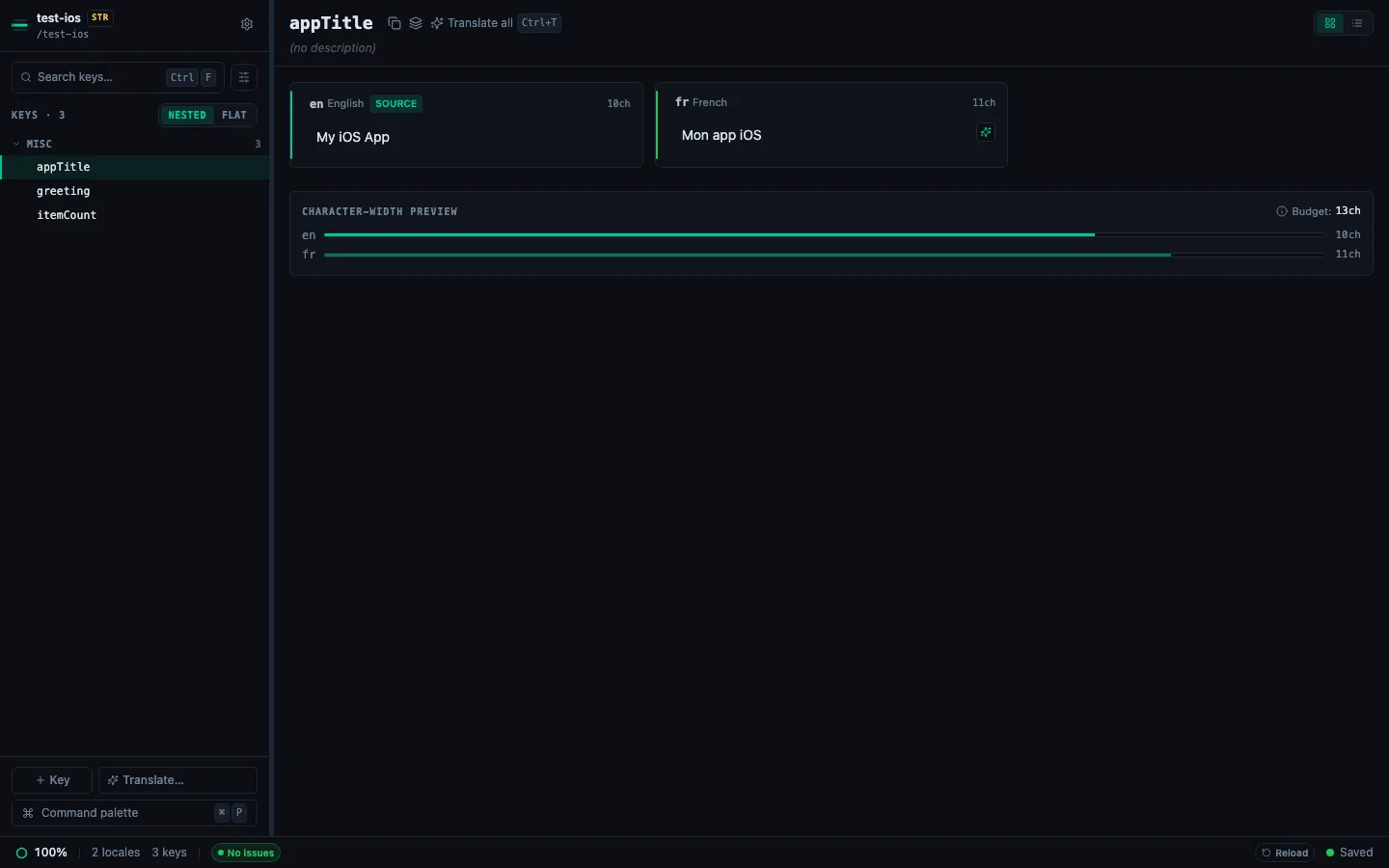
Standard iOS .strings format uses "key" = "value"; pairs, one per line. StringLane:
- Preserves all
/* comment */blocks above each key — they're not editable in StringLane but are passed through intact - Reads
.lproj-based locale structure (en.lproj/,fr.lproj/, etc.) - Handles format specifiers like
%@,%d,%1$@— mismatches between locales are flagged as Param badges - Does not support
.stringsdict(plural files) directly — these are distinct files; work on them in the ARB view if your project uses a dual system
Android XML
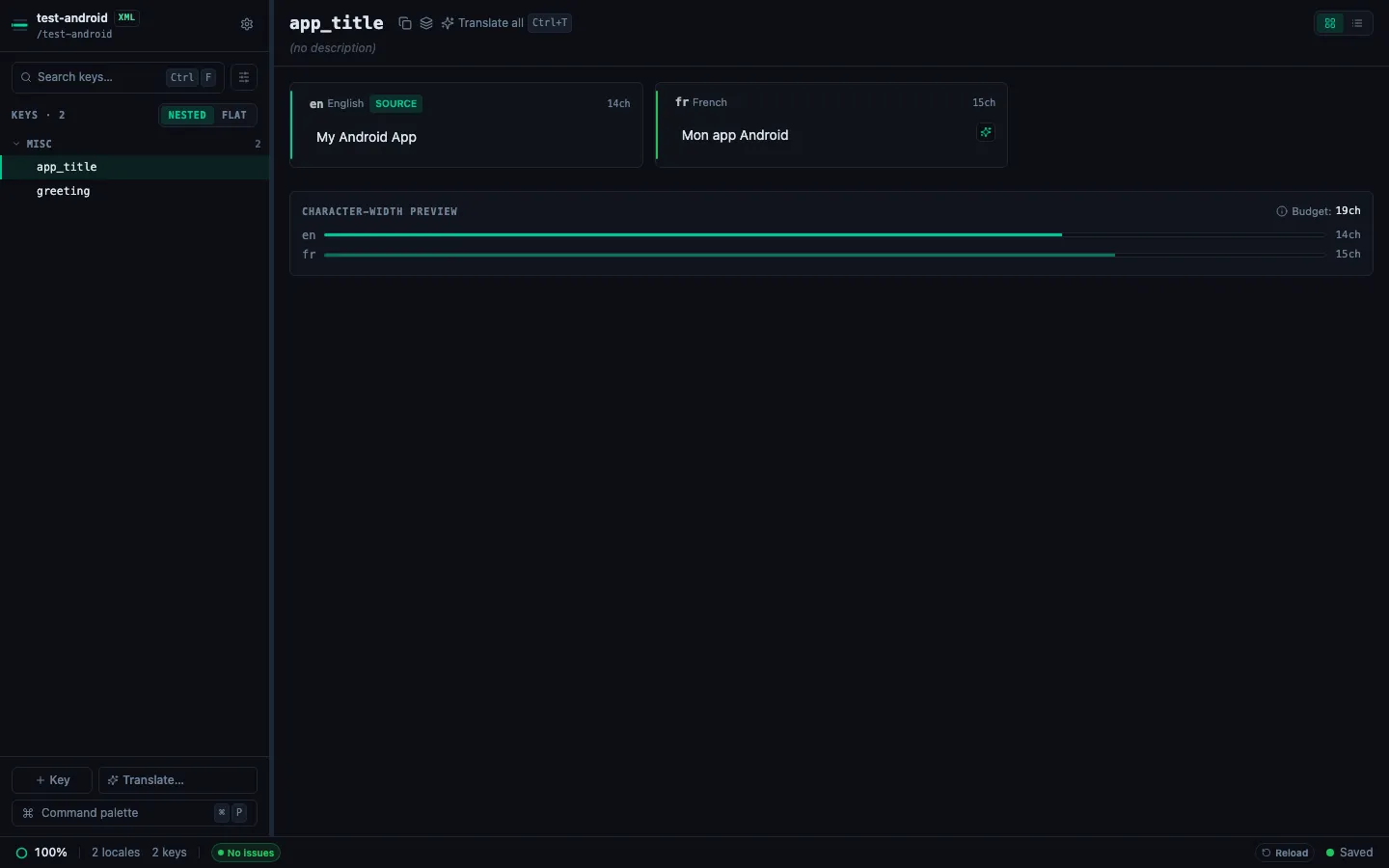
Android resources use <string> tags in res/values/strings.xml. StringLane:
- Reads all
<string name="...">value</string>entries - Handles
<plurals>elements as multi-value entries, one per quantity (zero,one,two,few,many,other) - Preserves
<![CDATA[...]]>wrappers and XML special characters (&,<, etc.) - Maps locale variants to
values-fr/,values-de/, etc. - Format specifiers (
%s,%d,%1$s) are treated like ARB placeholders for Param validation
i18next JSON
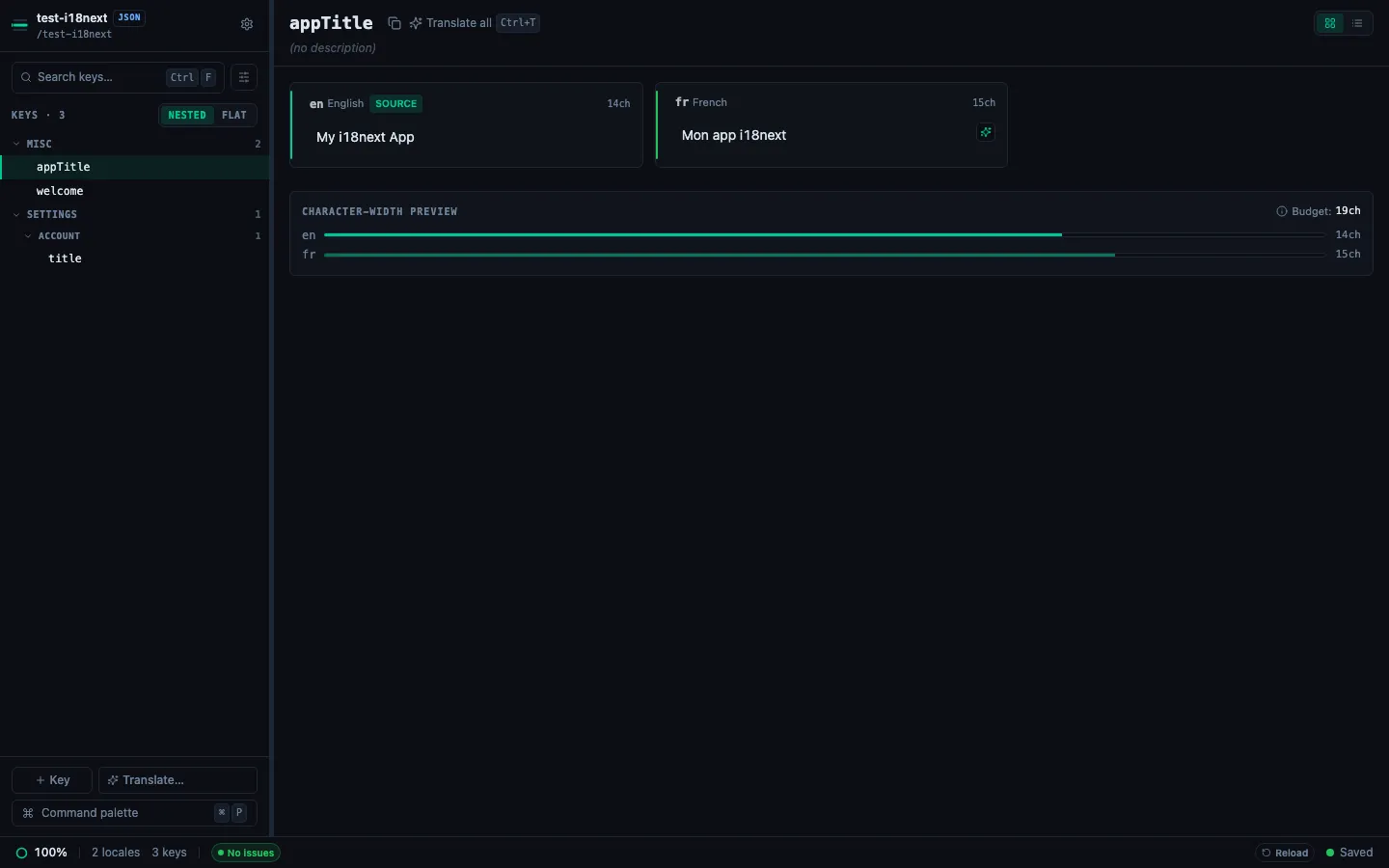
i18next uses JSON files with locale code as the folder name (en/translation.json, fr/translation.json). StringLane:
- Supports nested key paths using dot notation (e.g.
settings.account.titleappears as a single row) - Handles
{{variable}}interpolation syntax — mismatches flagged as Param badges - Preserves key order and nesting structure when writing back to disk
- Does not flatten nested keys — they stay nested
Format detection
If StringLane loads a mixed folder (multiple formats), each format is shown in a separate section or you're prompted to select which to work with. Most projects use a single format throughout.