How to Use the Command Palette
Press ⌘P to open one searchable menu for every StringLane action — add keys, translate, jump to a key, toggle panels, open settings.
Press ⌘P anywhere in the editor to open the command palette — one fuzzy-searchable menu with every action in the app.
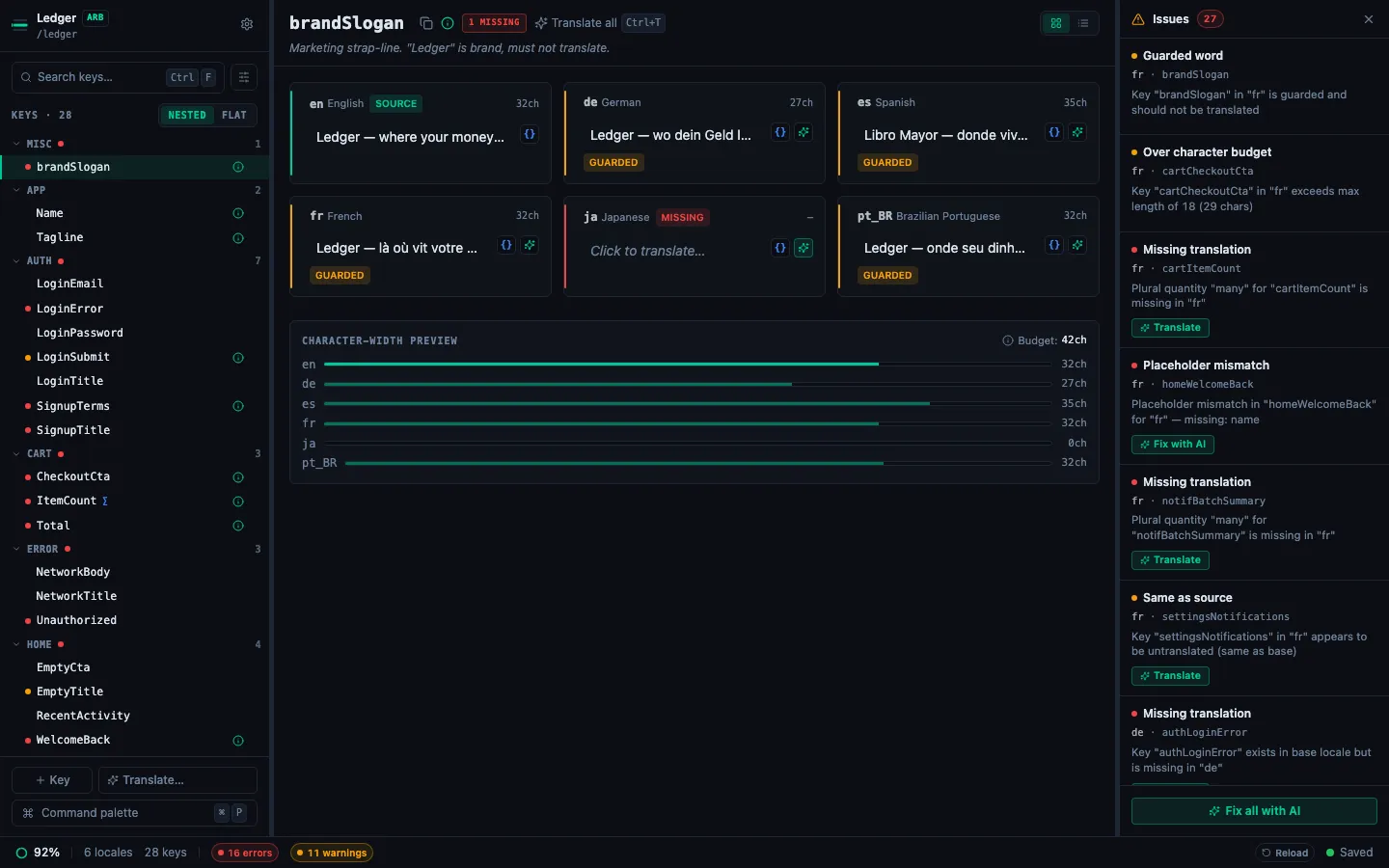
The palette is the fastest way to:
- Add a new key (Add key… — the default accent row)
- Jump to any key by name across your whole project
- Run bulk actions — Translate all missing with AI, Toggle Issues panel
- Switch settings (theme, issues panel orientation)
- Open Settings or the keyboard shortcuts cheatsheet
How it works
- Press ⌘P — modal opens, input focused.
- Type — the list filters by fuzzy match across action name, hint, and your project's keys.
- ↑ / ↓ — navigate rows. ↵ — run the selected row. Esc — dismiss.
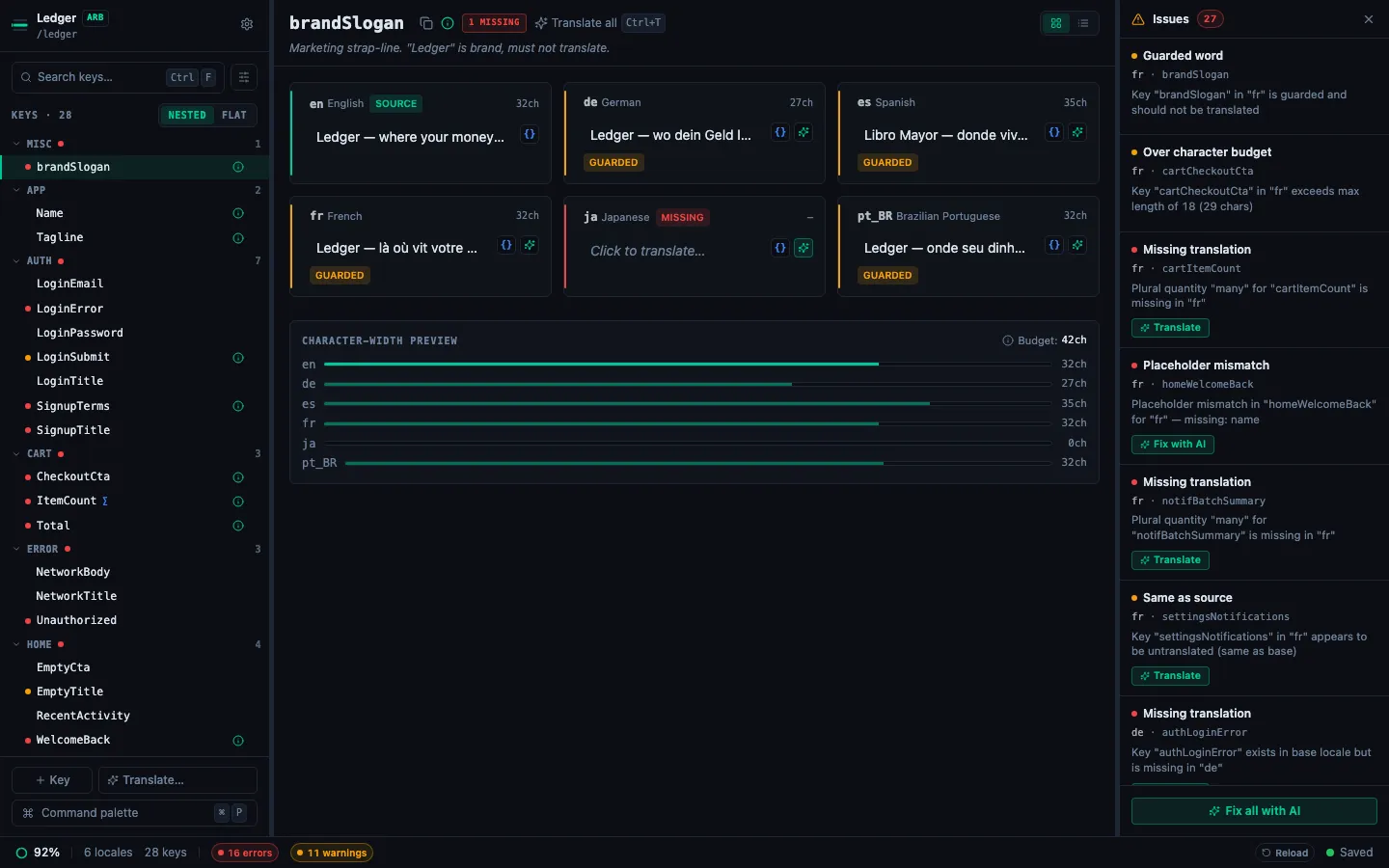
Sections
The palette groups results under section labels that appear only when the section has visible rows:
- Recent — the 5 most-recent commands you ran, in reverse chronological order. Appears at the top when you open the palette with an empty query.
- Actions — the primary bulk actions (Add key…, Translate all missing…).
- View & settings — toggle panels, switch theme, flip the Issues panel orientation, open Settings.
- Project — Open folder…, Close project.
- Jump to key — one row per key in your project. Fuzzy-matches both the key name and (when you type a value fragment) its translations. Selecting a row loads that key into the detail pane.
- Help — Keyboard shortcuts (
?).
Running a batch translation from the palette
The Translate all missing with AI action walks you through translating every gap across every non-base locale in one go. It:
- Scans the project for missing keys OR cells where the target value equals the base verbatim (likely untranslated copy-paste).
- Shows a confirm dialog with the count and the involved locales.
- Runs
translateKeysBatchper locale sequentially; you see running progress "N / M across K locales" plus the current locale. - Cancel between chunks keeps partial results.
- Shows a summary with counts + the last error message (if any).
See Translate all missing for the full flow, including the no-API-key path.
Rebinding ⌘P
The palette trigger is rebindable — Settings → Keybindings → click the chord next to Open command palette → press your preferred shortcut. See Customize keybindings.