How to Read Validation Badges
What each validation badge means — Missing, Same, Param, Length, ICU, and Guarded — and how to fix them.
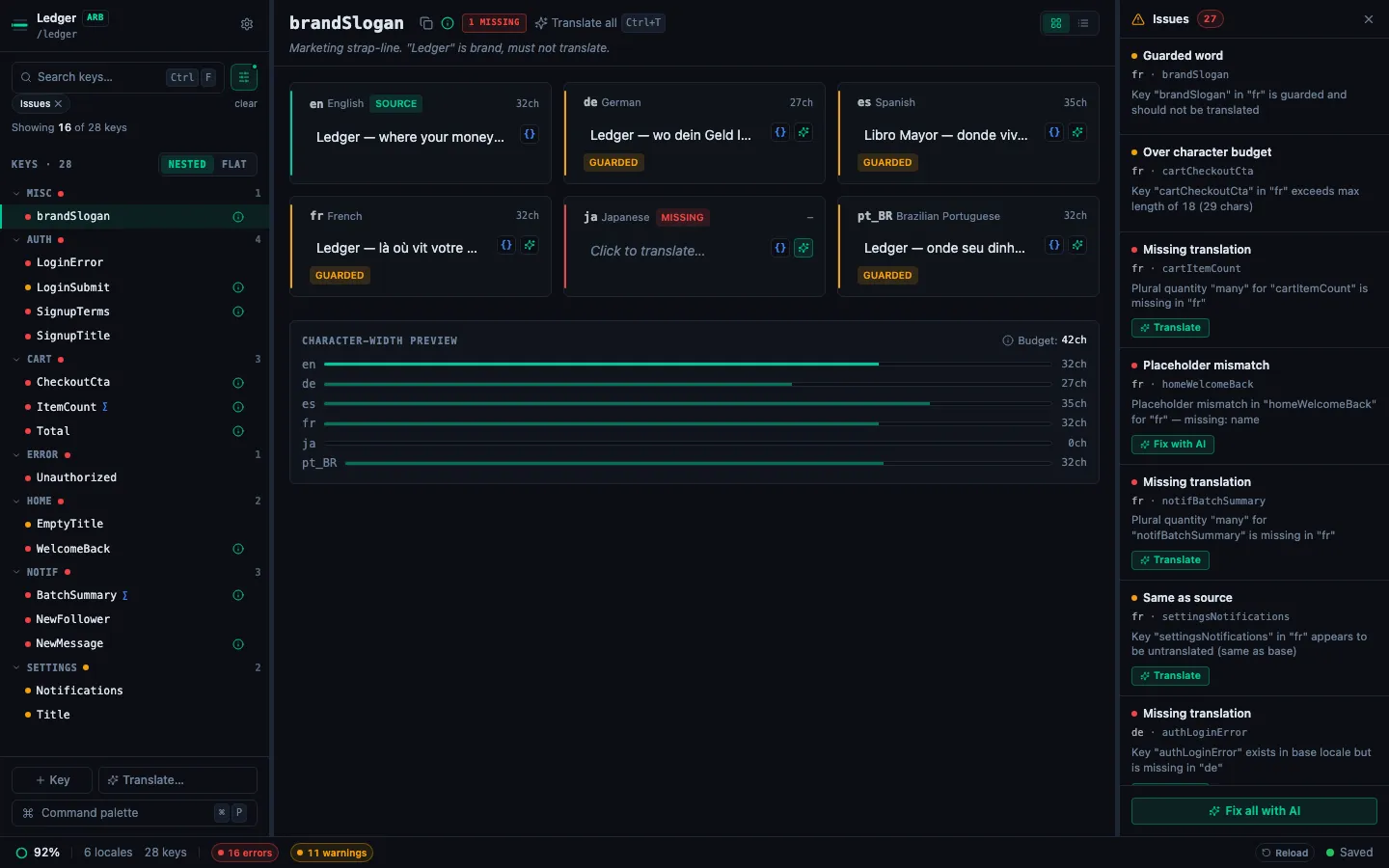
StringLane validates all translations whenever a project loads and after each edit. Problems appear as inline badges on the affected cell. Hover over a badge for a tooltip with the full error message.
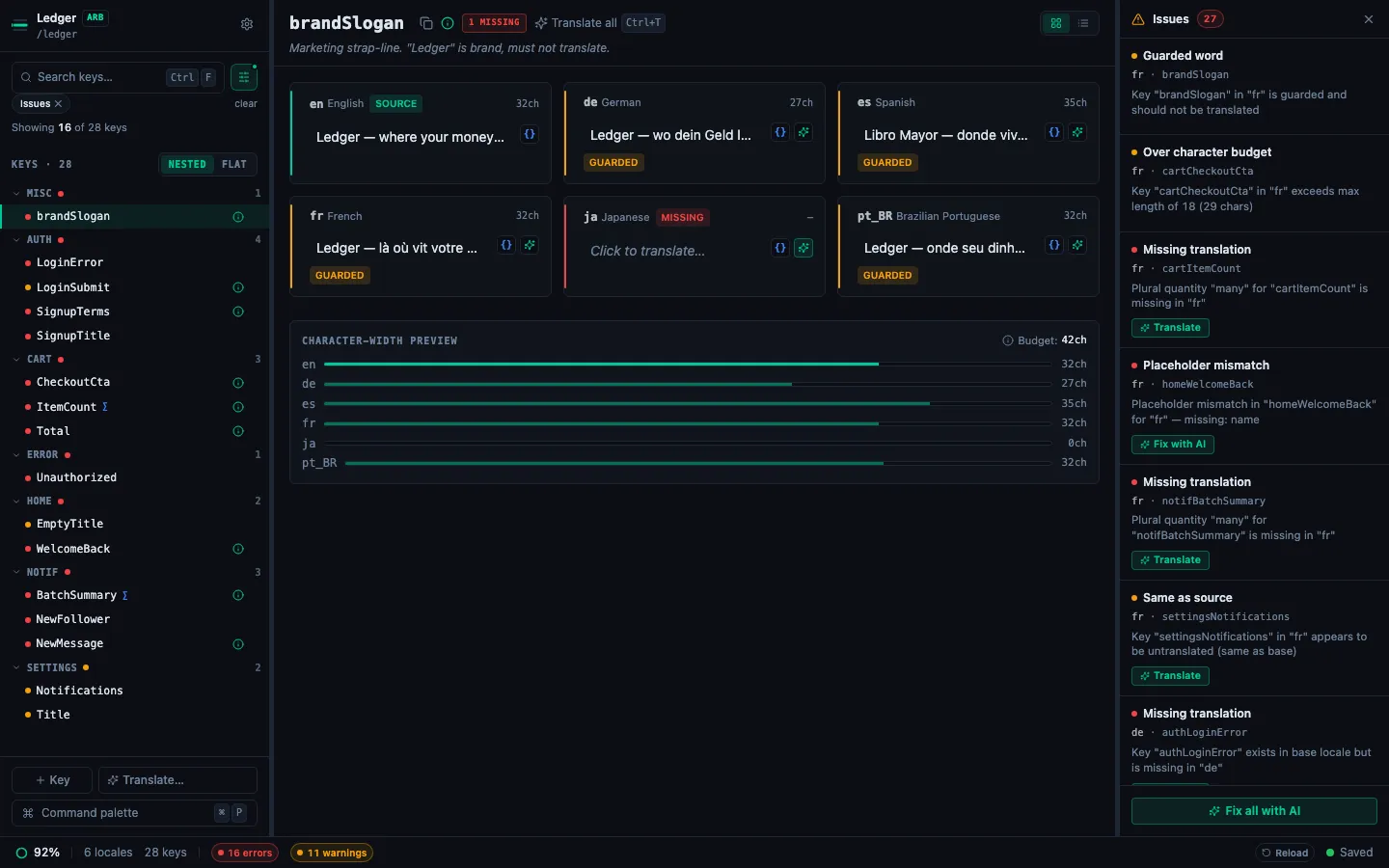
Badge types
Missing (red)
The key exists in the base locale but not in this target locale file. The cell is empty.
Fix: Type a translation manually, or click ✨ to translate with AI. Running bulk translate (✨ N in the locale header) fixes all Missing cells at once. To clear missing translations across the whole project in one pass, use Translate all missing with AI from the Command Palette.
Same (yellow)
The translation is identical to the base locale value. This usually means the key hasn't been translated yet — the source value was copied but not replaced.
Fix: Check if the string should actually be translated. Proper nouns (brand names, product names), URLs, and technical identifiers often should be the same in all locales — use Guarded Words to mark these intentionally. If it should be translated, click ✨ or edit the cell.
Param (red)
A placeholder present in the base locale is missing from — or wrongly spelled in — the target translation. For example, the base has Hello, {name}! but the Spanish translation is ¡Hola! with no {name}.
Fix: Add the missing placeholder to the correct position in the translated string. The tooltip shows exactly which placeholder is missing or extra. See How to Fix Placeholder Mismatches.
Length (yellow)
The translation exceeds the x-max-length value configured in the key's ARB metadata. This matters for UI elements with fixed display space (button labels, tab titles).
Fix: Shorten the translation. Check your ARB file for "x-max-length" in the @key annotation to see the limit. See How to Work with ARB Metadata Annotations.
ICU (red)
The translation contains invalid ICU MessageFormat syntax. Common causes: unmatched braces, missing other plural category, or a malformed select clause.
Fix: Click the badge for the specific error, then edit the cell using the ICU Format Helper or Visual ICU Editor. See Working with ICU Plurals and Select Forms.
Guarded (yellow)
A term marked as a guarded word (brand name, product term) has been translated or modified in this target locale. The translation differs from the base locale value for that protected term.
Fix: Re-translate the key with ✨ — the AI will respect the guarded word constraint. Or manually restore the guarded term to its original form.
Row-level indicators
The key sidebar shows a per-key icon summarizing the worst badge in any locale for that key:
- ✕ (red) — at least one error-level badge (Missing, Param, ICU)
- ⚠ (amber) — at least one warning-level badge (Same, Length, Guarded), no errors
Use the Issues only filter in the sidebar (or ⌘⇧I) to show only keys with any badge — and the Issues Panel (⌘J) to see every problem in the project as one row per (locale, issue), with click-to-jump and per-row Fix-with-AI actions.